 Bergrum
Offline encrypted vault for Android
The encrypted vault that never goes online.
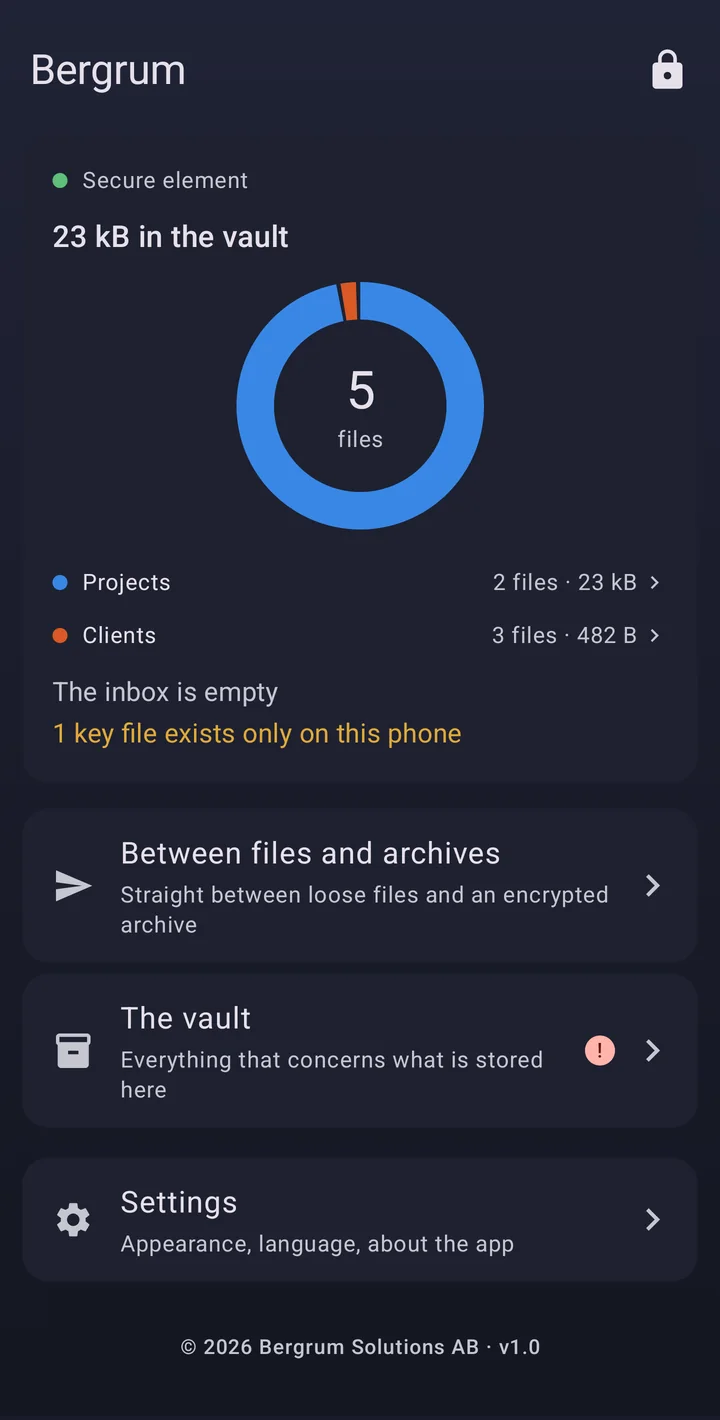
Bergrum keeps your files encrypted on your Android phone. No account, no server, no network permission. When you want a copy elsewhere, send an encrypted archive to any cloud or drive.
Android 8.0 and up. Coming to Huawei AppGallery.
What it is for.
Three jobs. Bergrum itself never needs an account or a connection.
A backup that needs no internet
Copy your projects or photos into the vault, from the phone or from a computer over USB. If the computer dies, they are still on your phone.
Files from a computer wait unencrypted in an inbox until you store them.
Room on your phone
Encrypt photos into one archive, send it to your cloud and clear them from the phone. The archive is then your only copy, so guard it and its passphrase.
A copy your cloud can't read
Send one encrypted archive to any cloud or drive. Names, folders and contents stay sealed inside it, under a passphrase only you hold.
Why it exists.
Bergrum started as a backup for my own projects before a holiday, in case the computer burned down. I don't trust the cloud with work that matters, and the leaks keep proving that right. I wanted something offline I could trust, so I built it. Selling it came later.
No account. No sync. No tracking.
No telemetry either. Android does not let the app go online, so there is nothing for it to report to.
Nobody in the middle
The app has no network permission, and Android enforces that. There is no account to breach and no service that can shut down with your files inside it.
A vault that stays on your phone
Its key is held in the phone's secure hardware and cannot leave it, so the vault opens only on that phone. If a phone has no such hardware, the app says so.
An exported archive is the opposite. It is not tied to any phone and opens with your passphrase, plus your key file if you added one.
An open archive format
The format is published byte for byte and built on standard algorithms, so anyone can write a reader for it. The only secrets are your passphrase and your key file.
Your cloud gets one encrypted file.
Bergrum has no connection to your cloud. You pick a folder in Android's file picker, and the provider's own app does the rest.
- Your filesDocuments, photos, anything you can pick.Readable
- BergrumEncrypts them on the phone, under your passphrase.Encrypted here
- One .vault fileA single archive, not tied to this phone.Unreadable
- AnywhereDrive, OneDrive, Dropbox, a USB stick, a drawer.Still unreadable
An archive hides names, contents, how many files it holds and how big they are. It does not hide its total size or the file name you give it.
Built to be understood.
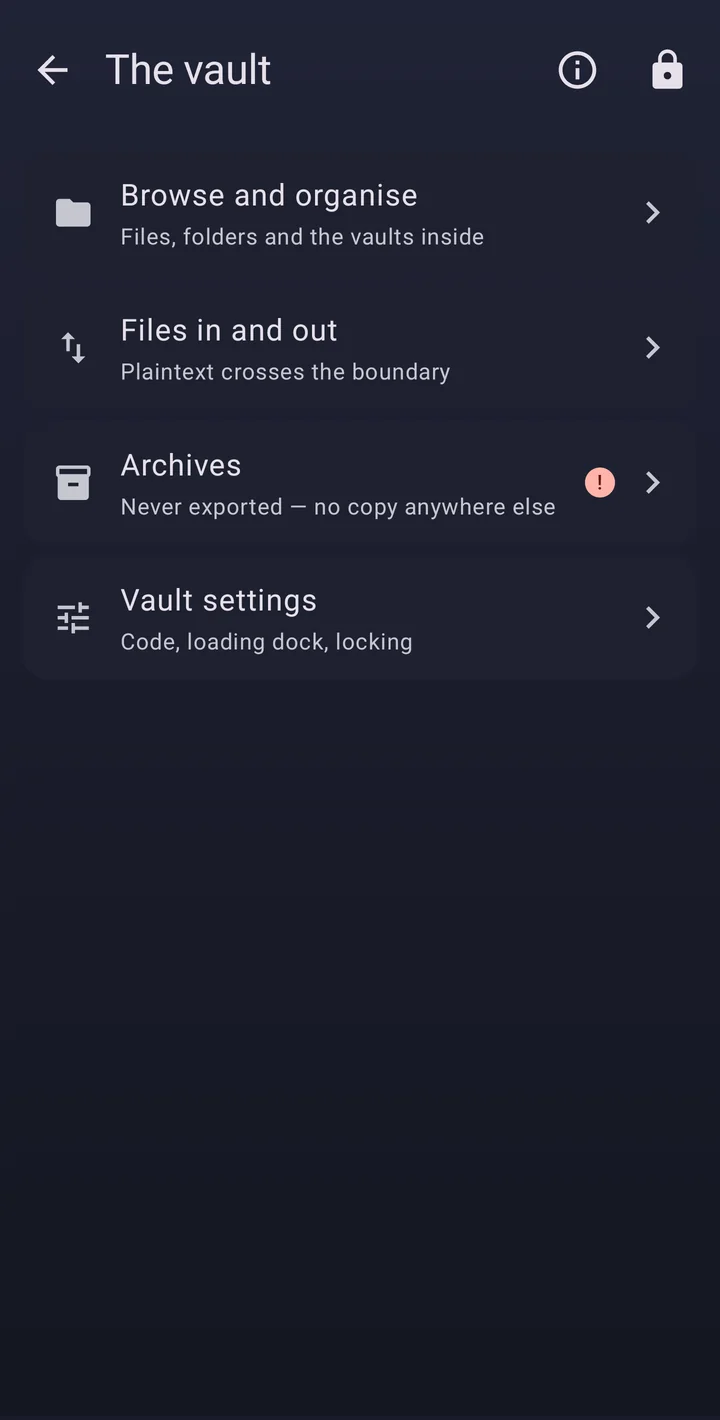
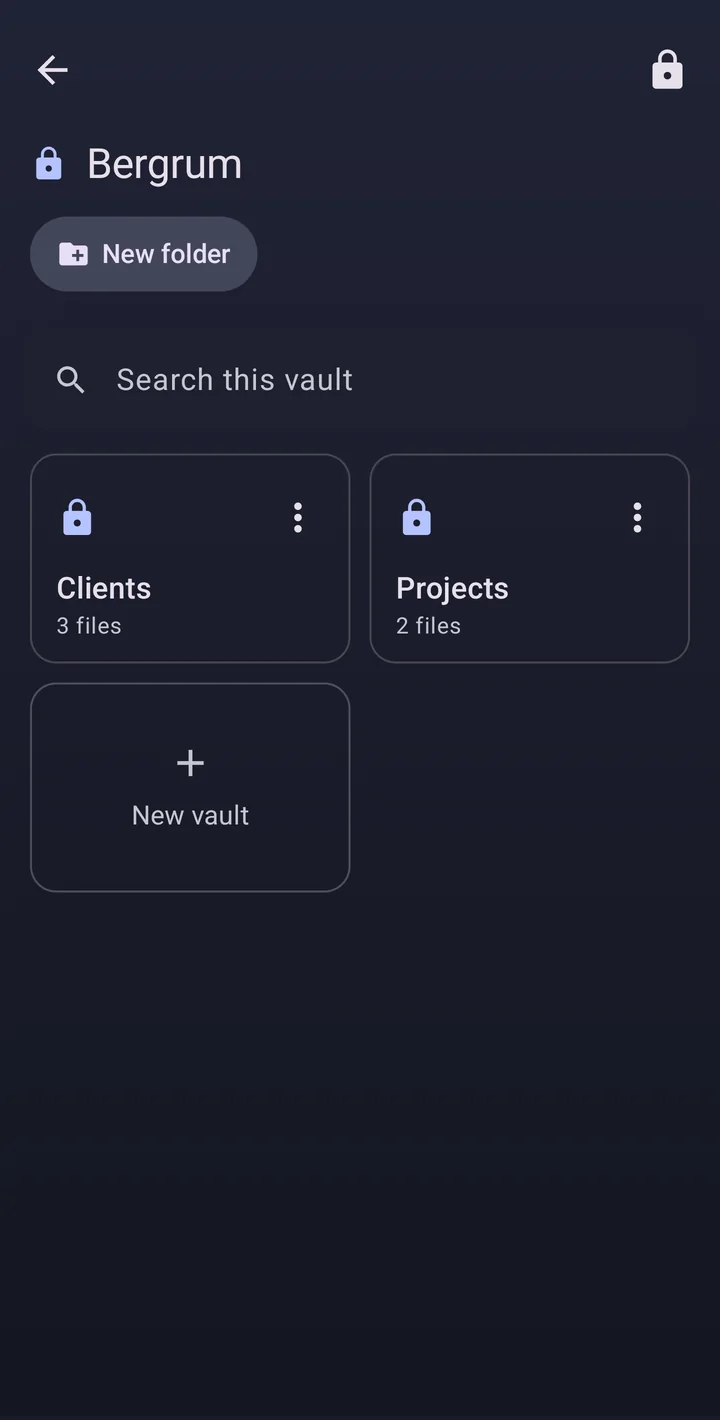
Seven languages, a light and a dark theme, and warnings that stay until you act on them.
The one thing you need to know.
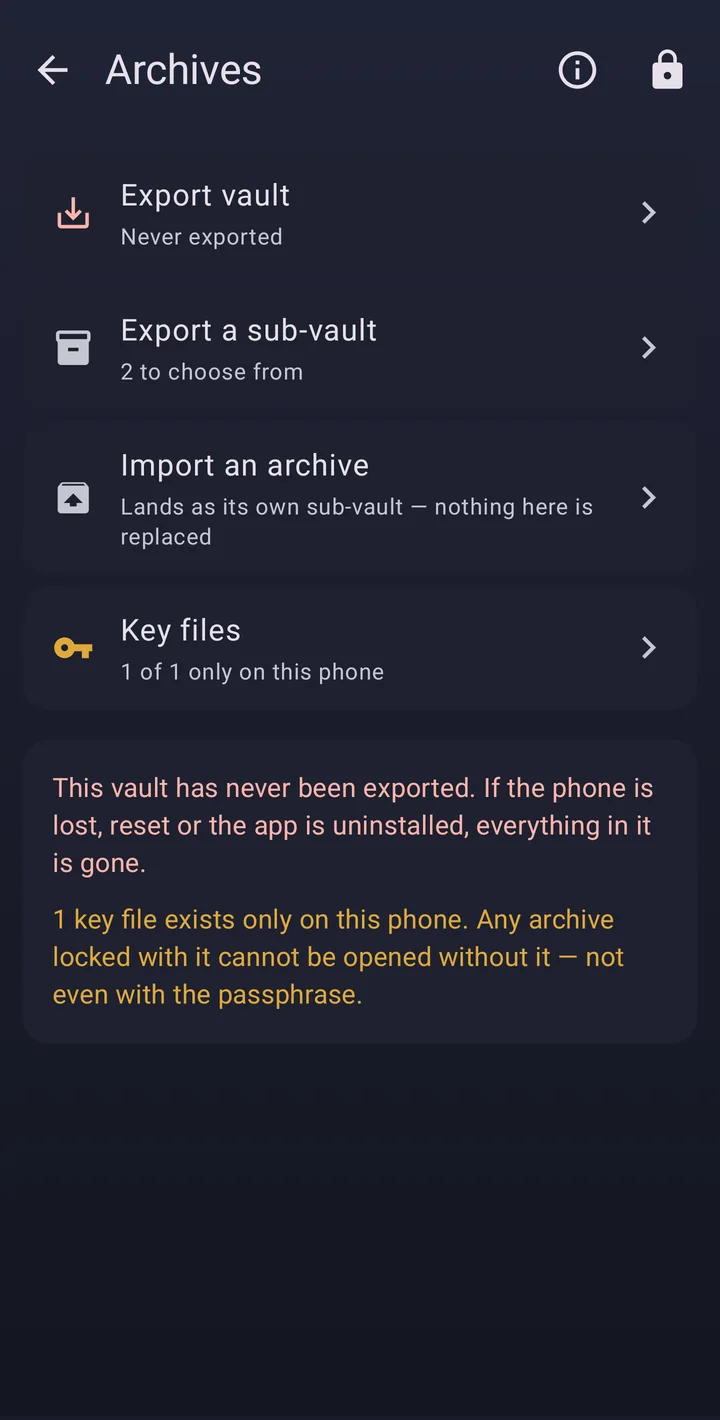
Nobody can recover your data, and that includes us. If the phone is lost or reset, or the app is removed, the vault is gone for good. Forget an archive's passphrase and that archive is gone too.
So export an archive, keep it somewhere else and keep more than one. The app reminds you until you do.
Bergrum protects you against a lost or stolen phone and a breached cloud, as long as your code and passphrase are strong. It cannot protect you on a phone that is already compromised. Read the threat model.
Closed source. Open design.
The key hierarchy, the archive format and a plain list of what the app does not protect against are all public.